
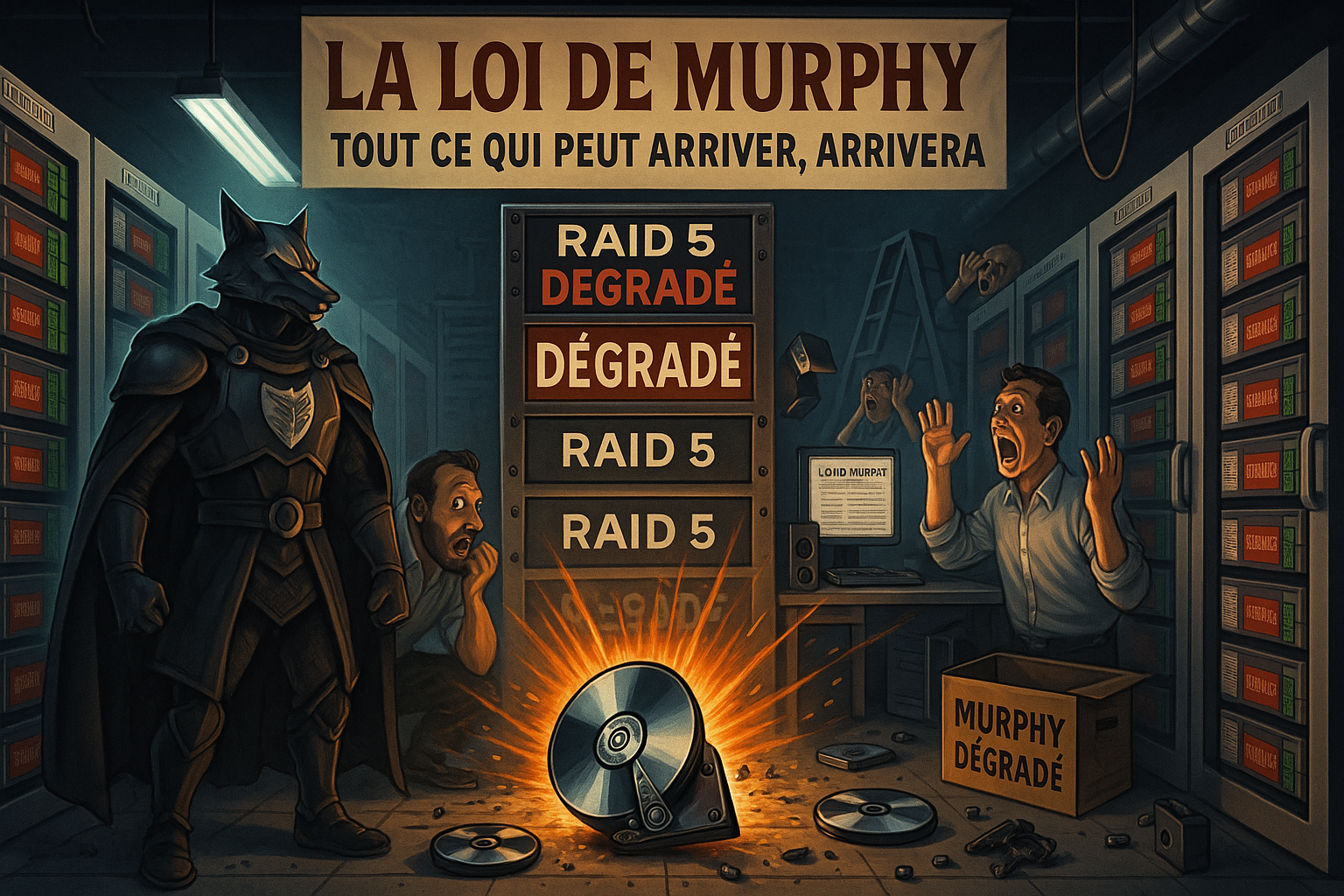
RAID 5 (Redundant Array of Independent Disks) is often chosen for its balance between performance, storage capacity, and fault tolerance. However, when used with a large number of disks, it can become a risky solution. This article explores the limitations of RAID 5, particularly when an array contains more than four disks, and proposes alternatives such as RAID 6, while explaining the scientific principles behind these considerations.
Understanding How RAID 5 Works
RAID 5 distributes data across multiple disks and uses a parity block to provide redundancy. If a disk fails, data can be rebuilt using the parity information, offering fault tolerance without requiring a dedicated hot spare disk.
However, a major limitation remains: RAID 5 can tolerate only a single disk failure. If a second disk fails before the rebuild process is complete, all data is lost.
The Limits of RAID 5 with More Than Four Disks
As the number of disks increases, so do the risks. Here’s why:
Increased stress on remaining disks: Rebuilding places heavy stress on the remaining operational disks, which can accelerate their failure.
Higher risk of multiple failures: With a larger number of disks, the probability that a second disk will fail during a rebuild increases significantly.
Longer rebuild times: The more disks involved, the longer the rebuild process takes. During this time, the RAID array remains vulnerable.
Scientific and Statistical Explanation
The risk of combined failures increases proportionally with the number of disks. In theory, a disk with an MTBF (Mean Time Between Failures) of one million hours appears reliable. However, in a RAID 5 array with multiple disks, the likelihood of a second disk failing during a rebuild becomes significant. This is why RAID 5 is not recommended for arrays containing more than four disks.
A Real-World Example: Data Loss in RAID 5
The risk of data loss in RAID 5, particularly in large configurations (8 to 16 disks), is very real. I experienced it personally: one disk failed, and during the rebuild, a second disk also failed, resulting in total data loss. Fortunately, the server only contained backups of a non-critical project. I still attempted recovery through the server manufacturer, DELL. Their technician confirmed that this type of scenario is common in large RAID 5 arrays. Their recommendation was clear: use at least RAID 6 to tolerate two simultaneous disk failures and avoid this type of disaster.

Safer Alternatives: RAID 6 and Other Solutions
RAID 6: Additional Protection
RAID 6 enhances data security by using two parity blocks, allowing two disks to fail simultaneously.
Advantages:
- Tolerance of two disk failures.
- Significantly reduced risk of data loss during rebuilds.
Disadvantages:
- Slightly reduced write performance due to dual parity calculations.
- Reduced usable capacity compared to RAID 5.
Other Alternatives
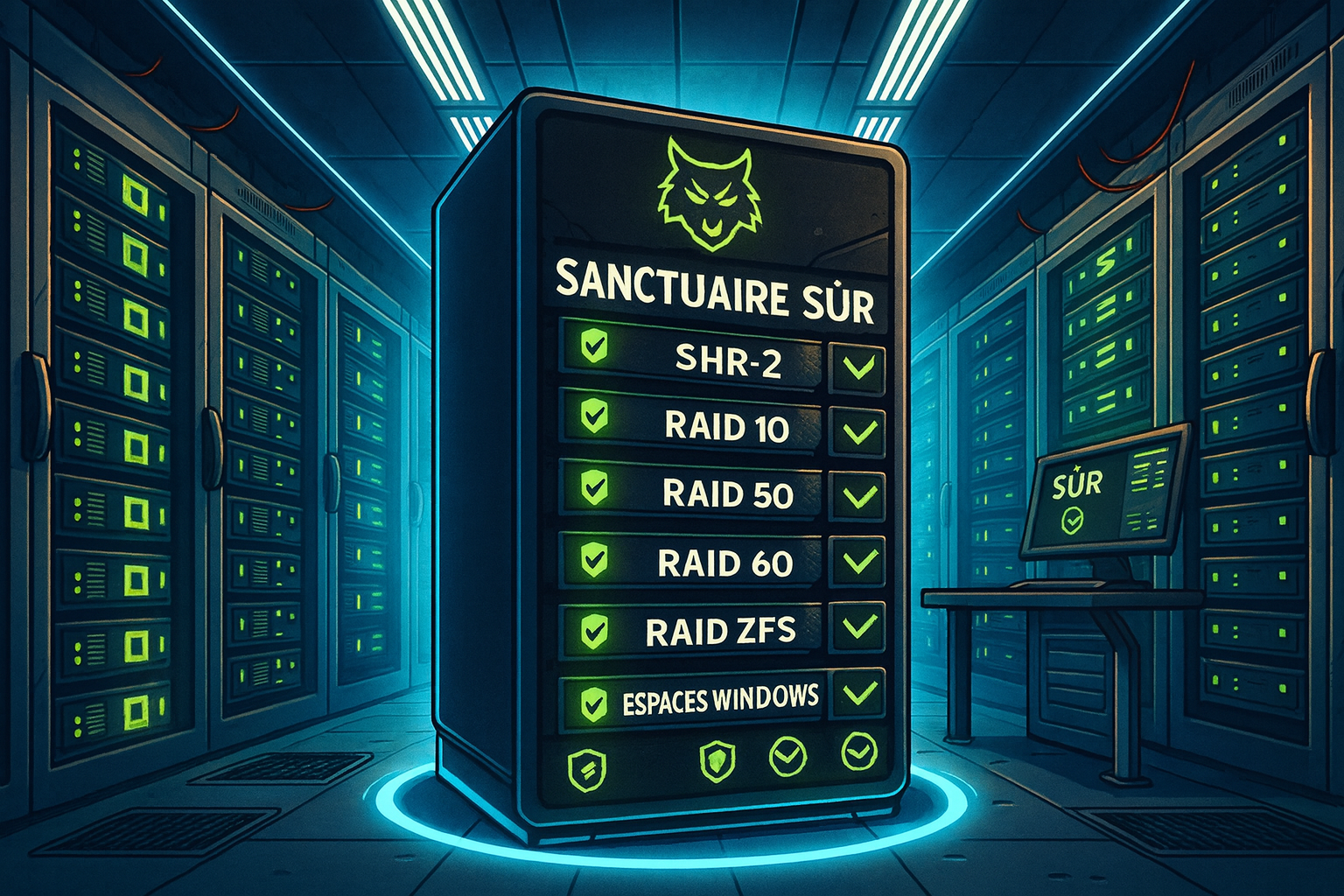
- RAID 10 (1+0): Combines the benefits of RAID 1 (mirroring) and RAID 0 (striping), offering high performance and good fault tolerance, but requiring more disks.
- RAID 50 / RAID 60: Hybrid solutions combining RAID 5/6 with RAID 0, offering a solid compromise between performance and security.
- Synology SHR-2: A flexible technology allowing disks of different sizes while providing RAID-6-equivalent fault tolerance.
- Windows Storage Spaces and ZFS: Advanced solutions offering dual parity, self-healing capabilities, and well suited for critical environments.
Which Solution Should You Choose?
The choice depends on several key factors:
- Number of disks: RAID 6 or an equivalent is recommended once you exceed four disks.
- Data criticality: For highly sensitive data, prioritize RAID 10 or ZFS.
- Performance needs: RAID 10 offers superior performance, while RAID 6 provides a strong balance between security and capacity.
RAID 5: A Viable Option for Non-Critical Data
In scenarios where capacity is the priority and data loss would have limited impact, RAID 5 with 8 to 16 disks may be considered. However, the risk of multiple failures is real. This option should be chosen with full awareness, and with regular backups in place.
My Personal Opinion: Prioritize Security Above All
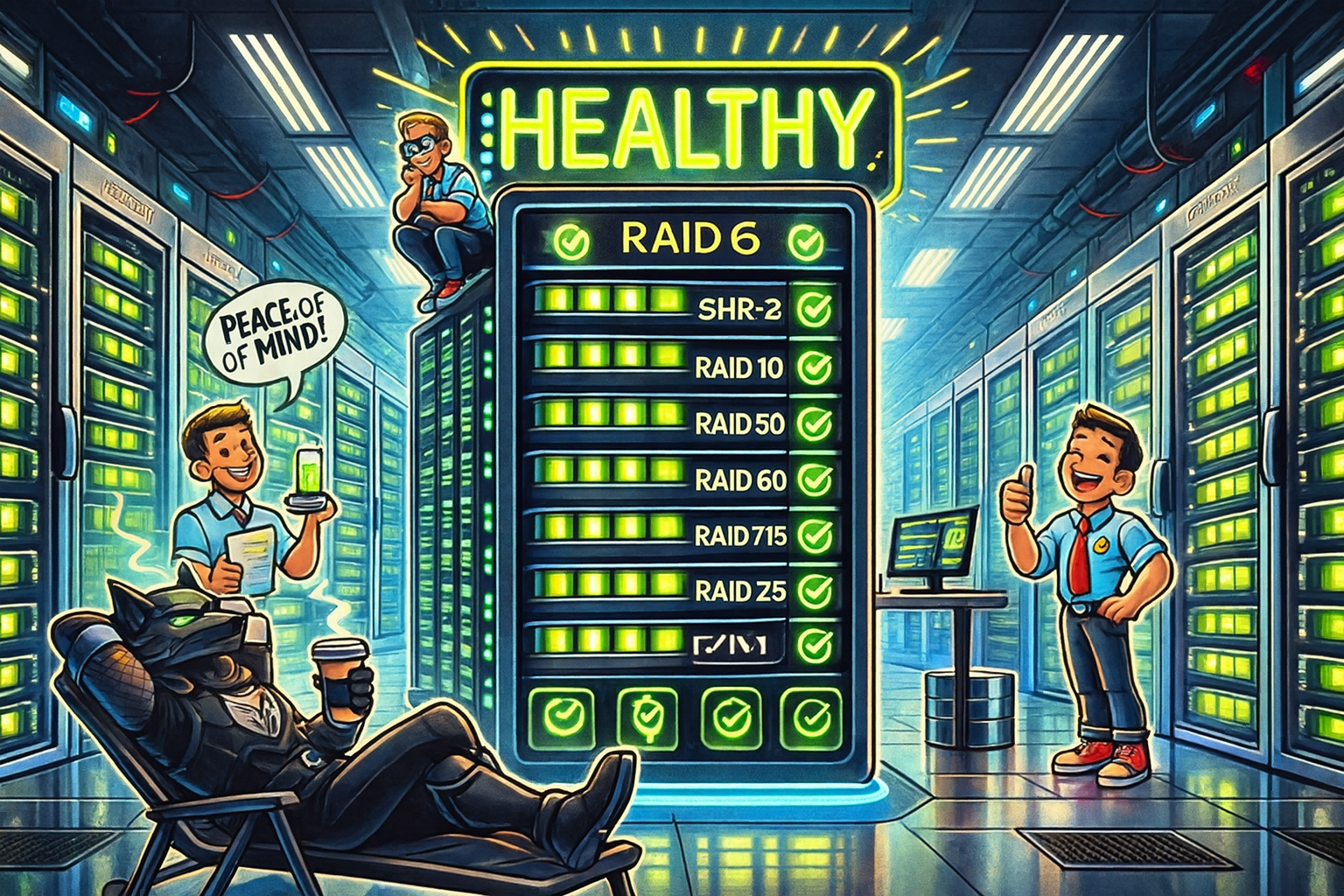
In the life of an IT consultant or system administrator, two things are precious: time and data. Choosing a RAID configuration solely to save money can become catastrophic in the event of a failure. In my opinion, once you exceed four disks, you should prioritize tolerance for two failures using technologies such as RAID 6 or equivalent solutions. This allows you to focus on other priorities without constantly fearing data loss. In IT, true peace of mind comes from robust security.
It’s also important to consider Murphy’s Law: anything that can go wrong will go wrong. When you already have a disk rebuilding, the probability that a second disk will fail is no longer theoretical—it’s only a matter of time. And with the added stress placed on the remaining disks during a rebuild, the risk increases exponentially. Relying on tolerance for a single failure under these conditions is essentially gambling with your data, and Murphy’s Law is never on your side.
Conclusion: Security and Peace of Mind First
Choosing the right RAID solution is a critical balance between performance, capacity, and security. While RAID 5 remains relevant for non-critical data, it becomes risky in large configurations. Alternatives such as RAID 6, ZFS, or SHR-2 provide significantly better protection. Investing upfront in a robust solution safeguards your data and gives you something invaluable: peace of mind.